Make it your account.
Sign in or create an account. Add your organisation, representative and mobile number so we know who we’re delivering to.
 Sign in & order
 FRESH PRODUCE. BUSINESS ORDERS.
Your daily vegetables, without the daily runaround. Pick your produce, set your quantities and get ready for tomorrow’s menu.
MRVS FOR ANDROID
Download the MRVS app from Google Play to browse vegetables, place bookings and manage your business orders.
Download on Google Play On iPhone? Add the web app to Home Screen ↗ Scan to get the MRVS app
Point your phone’s camera at the QR code, then open the Google Play link.
For the kitchens
that keep everyone fed.
THE DAILY LINEUP
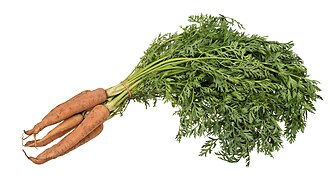
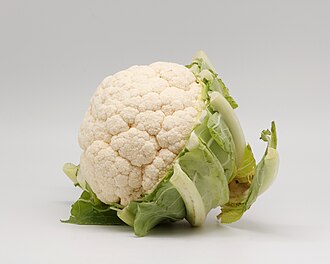
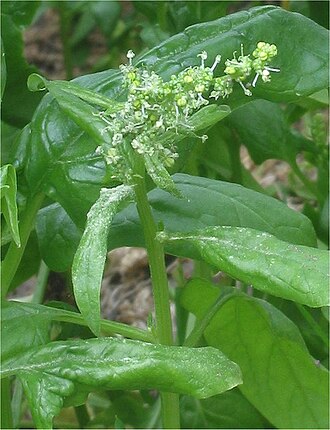
Leafy greens, everyday vegetables and colourful menu favourites. Find what your kitchen needs in one place.
This is a catalogue preview, updated recently. Sign in to see current prices and availability, review your cart and book.
Open ordering portal ↗A BETTER DAILY ROUTINE
Sign in or create an account. Add your organisation, representative and mobile number so we know who we’re delivering to.
Search your vegetables, choose quantities and check the full cart. Use your detected location, choose a map pin or reuse a previous delivery location. Review the full cart and book before midnight.
Follow your booking and order confirmation in your account. Choose cash on delivery, or pay later when enabled for your account.
Orders placed before 12:00 midnight IST are for the following morning. Check your delivery date and location before confirming.
A FEW THINGS TO KNOW
Need a hand with your account or an order? Our support email is always easy to find.
saidharmendra108@gmail.com ↗Open the customer portal and sign in with Google or your email and password. New customers complete their organisation profile, choose vegetables and quantities, review the cart and select a delivery location.
Complete your booking before 12:00 midnight India Standard Time for the following morning’s delivery. Your selected delivery date is shown during checkout.
Minimum quantities and quantity steps are set per product. Some products can be ordered in 0.5 kg steps; others use pieces or bunches. The ordering portal shows the allowed quantity for each item.
Cash on delivery is available. Pay later appears only for customers approved by the admin. Online payments are currently unavailable; check the options shown on your confirmed order.
Allow location access when the customer app starts to get a fresh GPS suggestion. Check the delivery entrance before confirming. You can also choose a map pin or reuse a location from a previous order.
Your account and checkout show the outstanding amount from confirmed bills. When MRVS records a payment received, your remaining balance updates and the receipt appears in your account. Partial payments reduce the balance by the amount received.
Choose your location in the customer portal and check the delivery details before booking. Contact support if you need to confirm service for your organisation’s location.
Follow the steps on our account deletion page, or email support using the email address registered with your MRVS account.
TOMORROW’S MENU STARTS HERE